Free
$0
- 2 lists
- Up to 20 people per shared list
- Aisle sorting and reusable lists
- Works offline, no account to start
- Shows ads
Everyone at home adds to one list from their own phone. At the store, you can see what's already in the cart and what's still left to get.
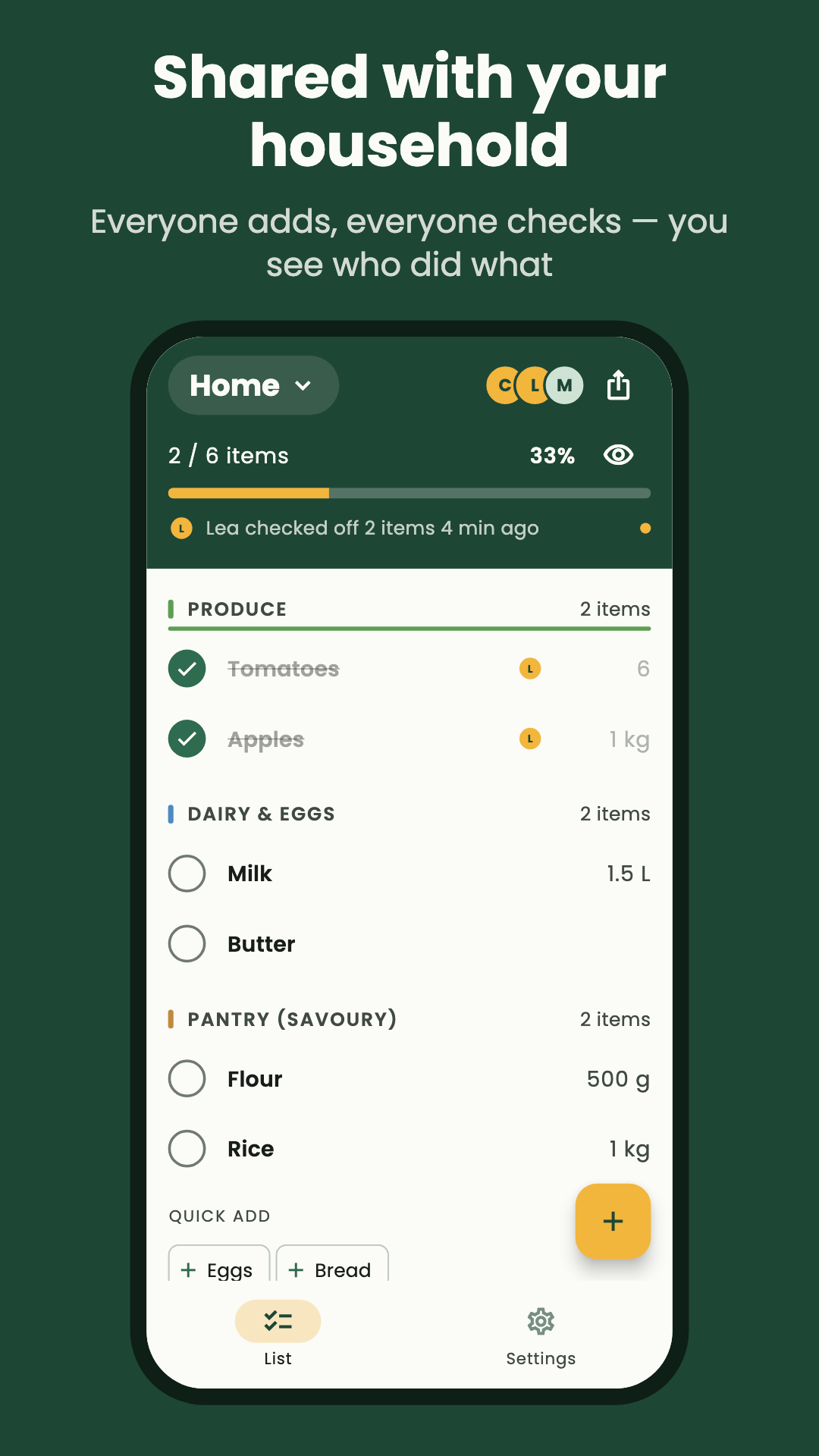
Send a link and they're on your list. Anyone can add or check off items, and every phone updates within seconds.
Items go to the right aisle as you type them. Set the aisles in the order you walk them, and the list follows your route through the store.
Stores are full of dead spots. Mirilio keeps working without a connection and syncs as soon as you're back online.
Type 2 baguettes or 6 eggs on one line. Mirilio spots the quantity and puts the item in the right aisle. Nothing you type here is saved.
Tap an item in the list to check it off.
Your list follows the layout of the store: produce, dairy, bakery, pantry. When an aisle is done, it folds away, so you only see what's left.
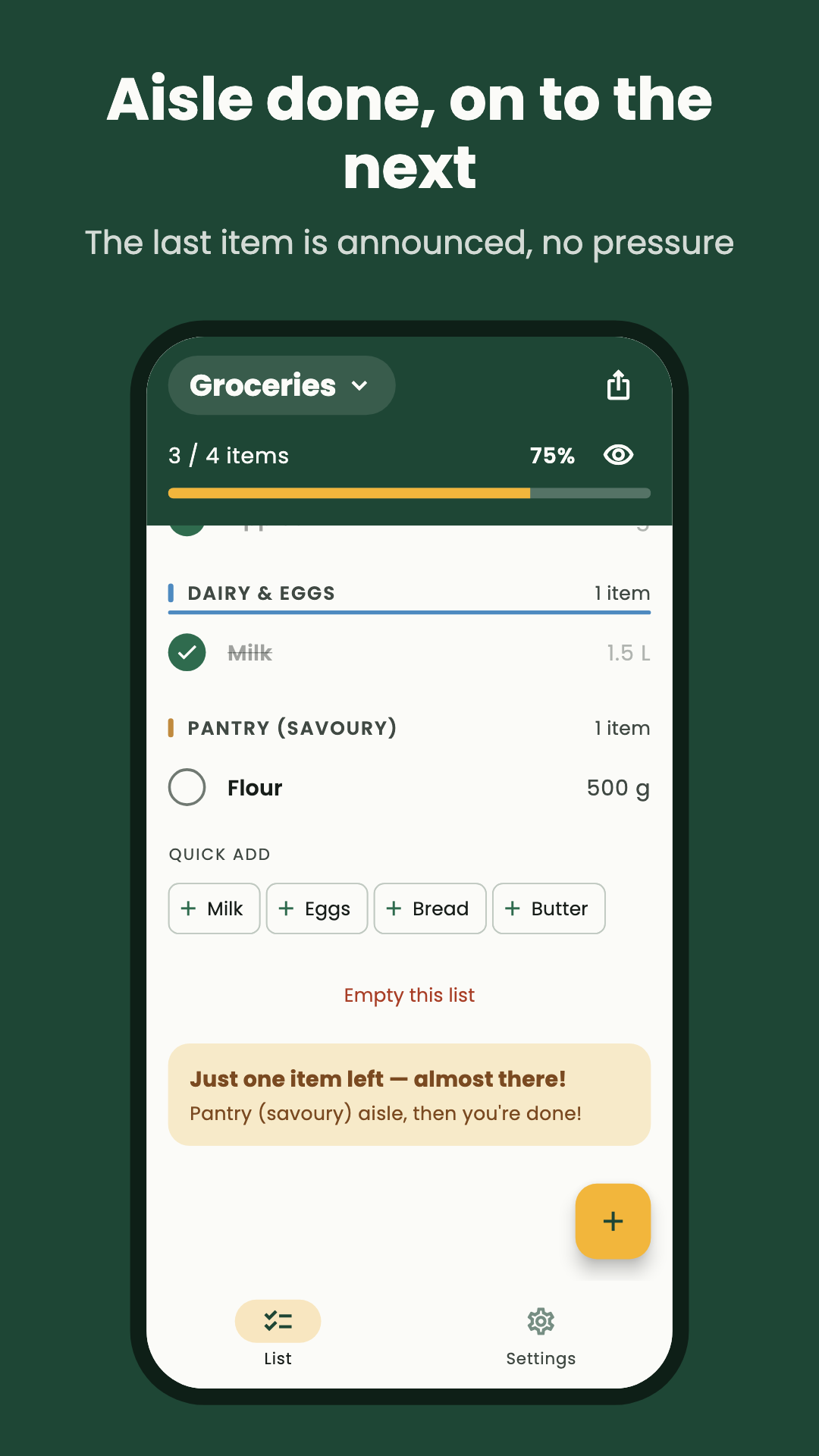
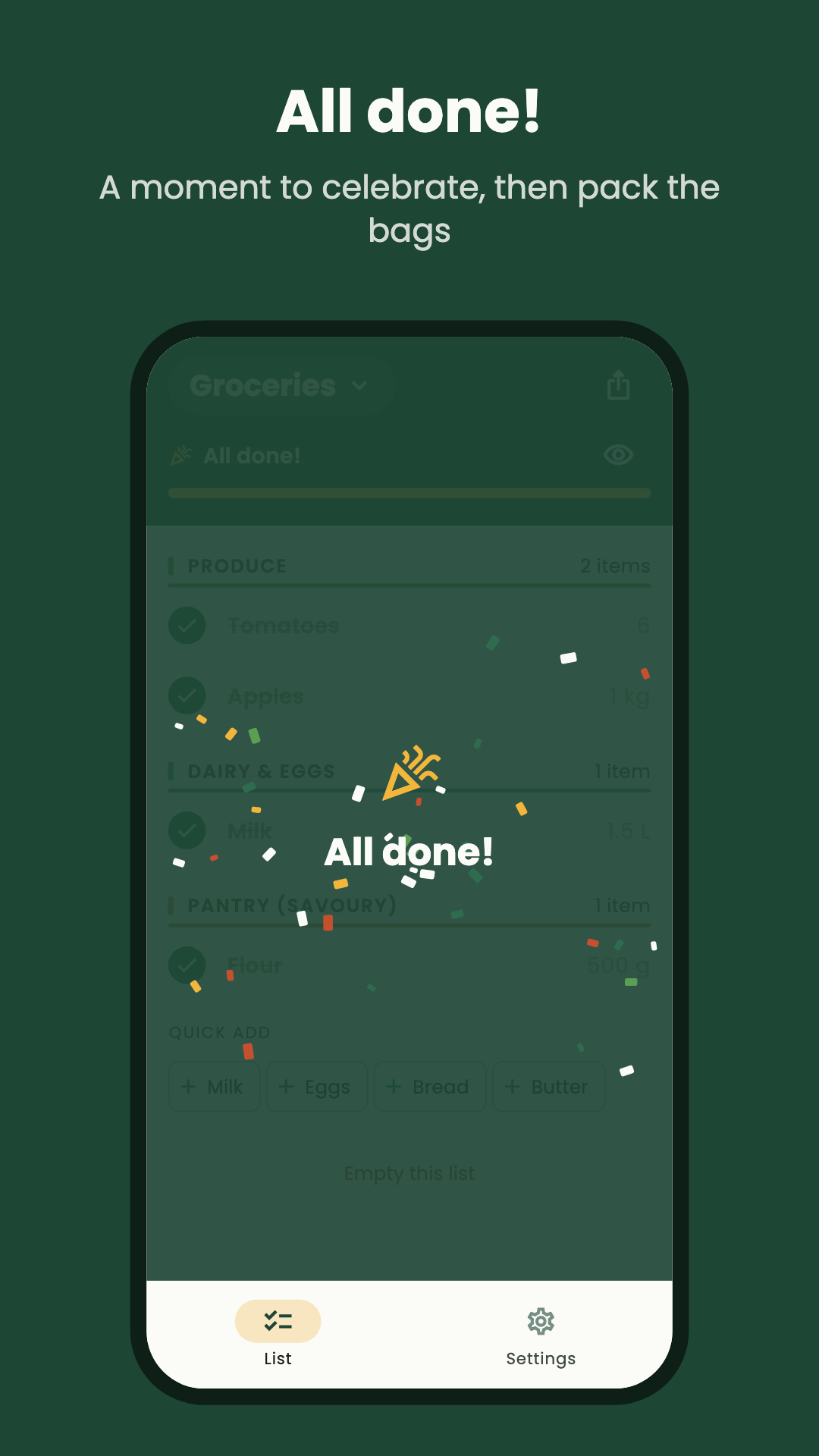
Share a list with a link. Everyone adds and checks off from their own phone, and you can see who added each item and who picked it up.
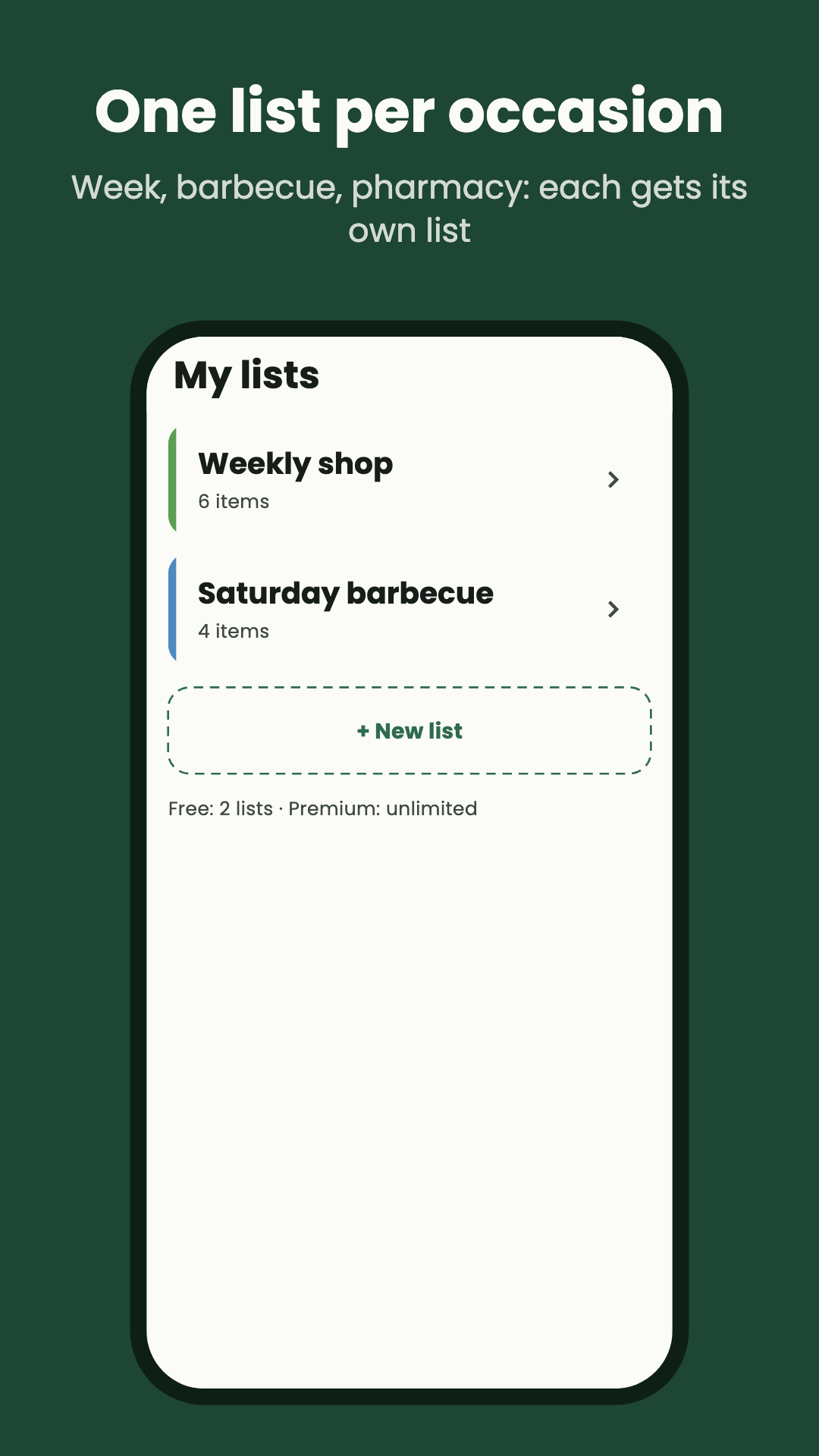
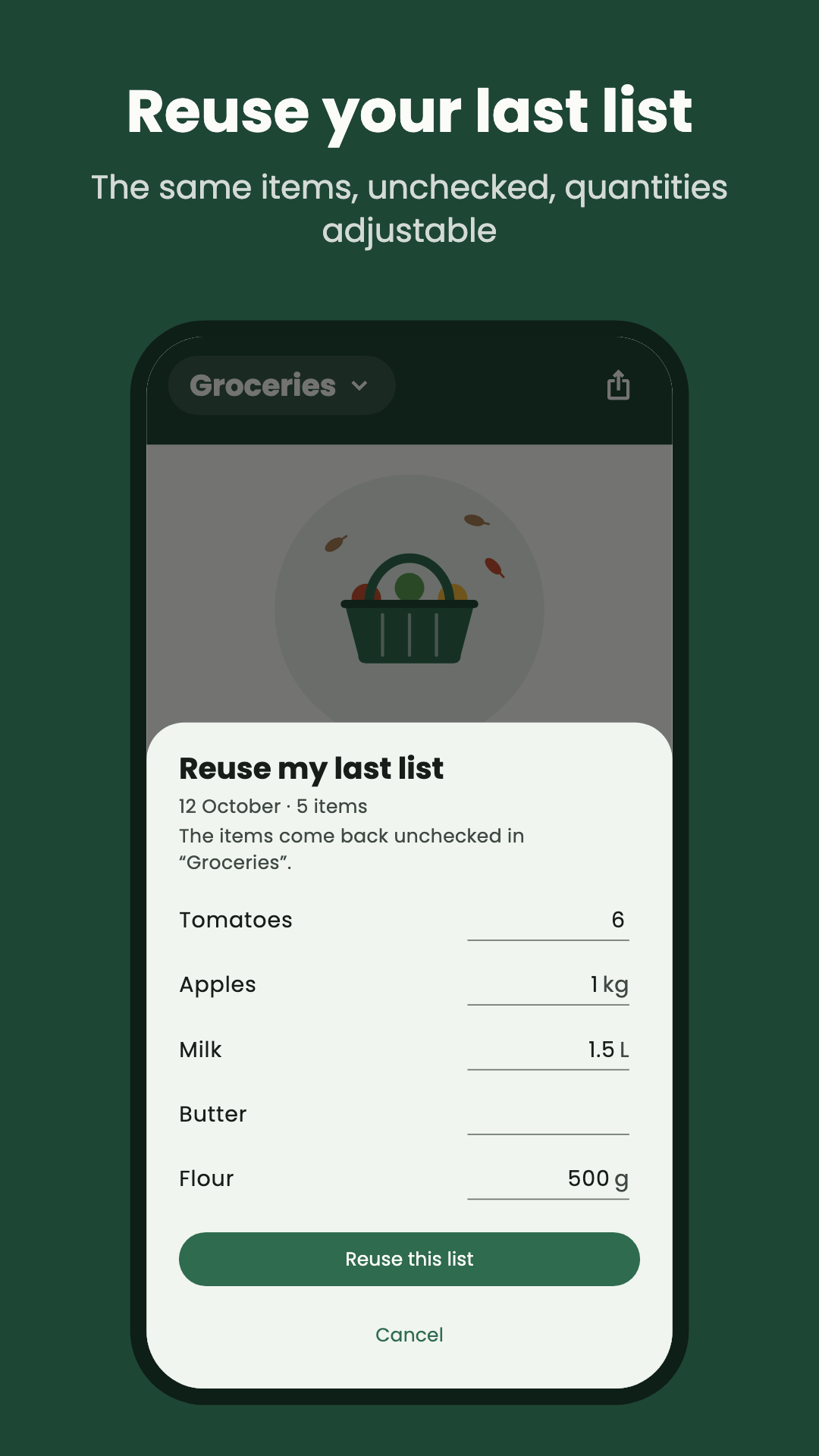
Keep the weekly groceries, the party, and the hardware store run in separate lists. Next week, reload last week's list, quantities included, and change only what's different.
Everything that makes shopping faster is in the free version.
$0
$8.99 per year
Just want the ads gone? Remove ads is a one-time $3.99 purchase, with nothing to renew. Prices can vary by country, and sales tax may be added at checkout. The subscription and your 14-day right of withdrawal are set out in the terms.
No. Install the app and start a list straight away. Sign in when you want to share a list or go Premium.
Tap the share button on the list and send the invite link by text or email. If they don't have Mirilio yet, the link takes them to the store first.
Yes. You can add, check off, and reorder with no connection. The list syncs with everyone else when you're back online.
Yes. Drag the aisles into the order you walk them. Mirilio remembers it, and new items land in the right place.
Premium is a yearly subscription: unlimited lists, full history, and no ads while it's active. Remove ads is a single $3.99 purchase that removes ads for good and doesn't change the limits.
Yes, from the app's settings at any time. The privacy policy explains what is stored and what is erased.
Free on Google Play and the App Store. Start your first list in under a minute, with no account.